
Software · Voice keyboard for Mac and iPhone
Parla 2
Everything the Mac app does, plus a voice keyboard for the iPhone. Tap the mic on the Parla keyboard and speak — your own Mac recognises it, cleans it up and sends the text back to the cursor.
Parla 2 is the same engine with a second keyboard in front of it. Everything the Mac app does is unchanged; what is new is that an iPhone can now borrow the Mac’s ear. Switch to the Parla keyboard in any app — Messages, Mail, WhatsApp, Notes — tap the mic and speak. The audio goes to your own Mac, which recognises it, cleans it up and sends the text back to the cursor.
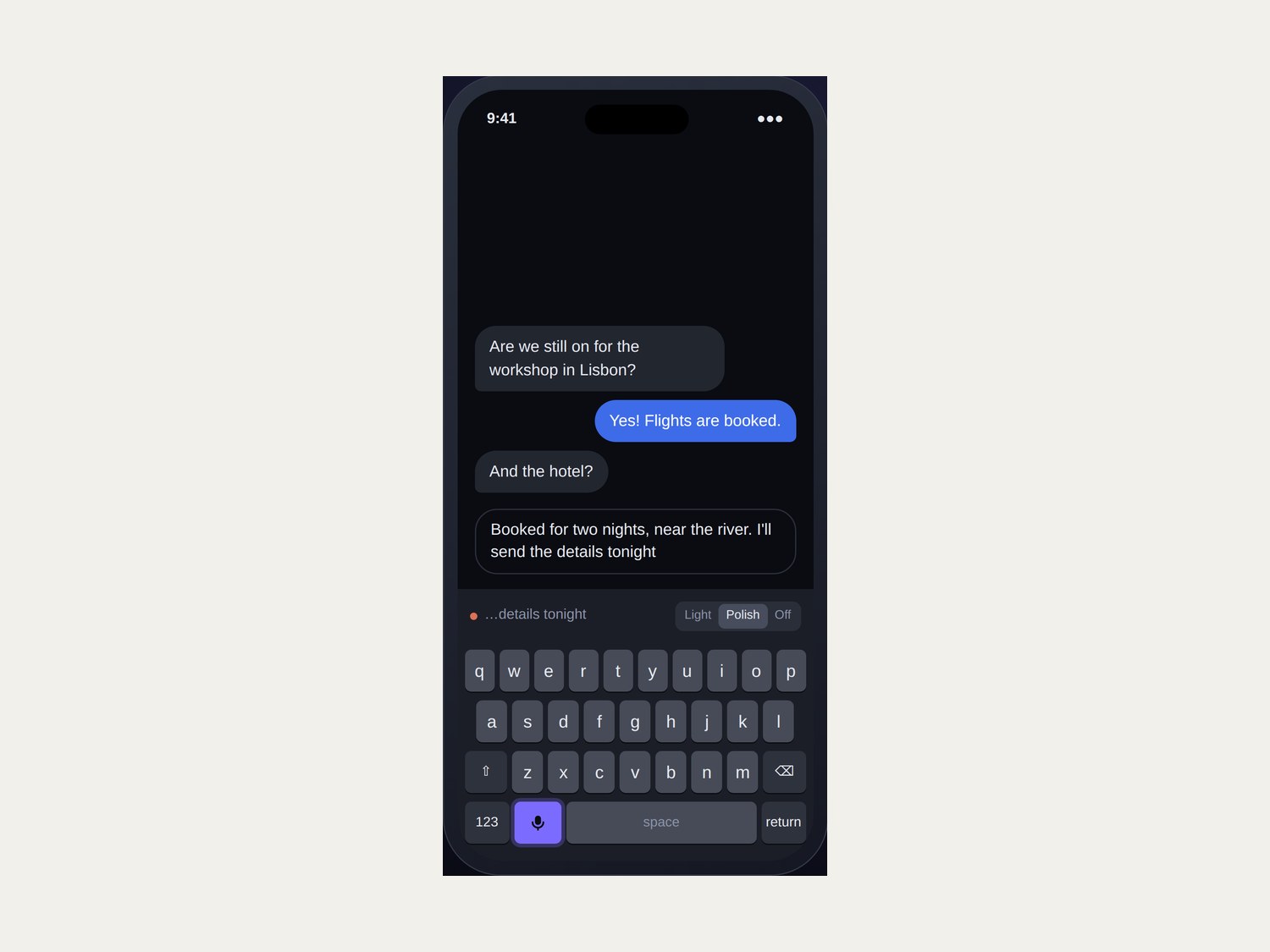
A full keyboard with a mic key. A strip above the keys shows the words as your Mac hears them, and the polish level is switchable per app.
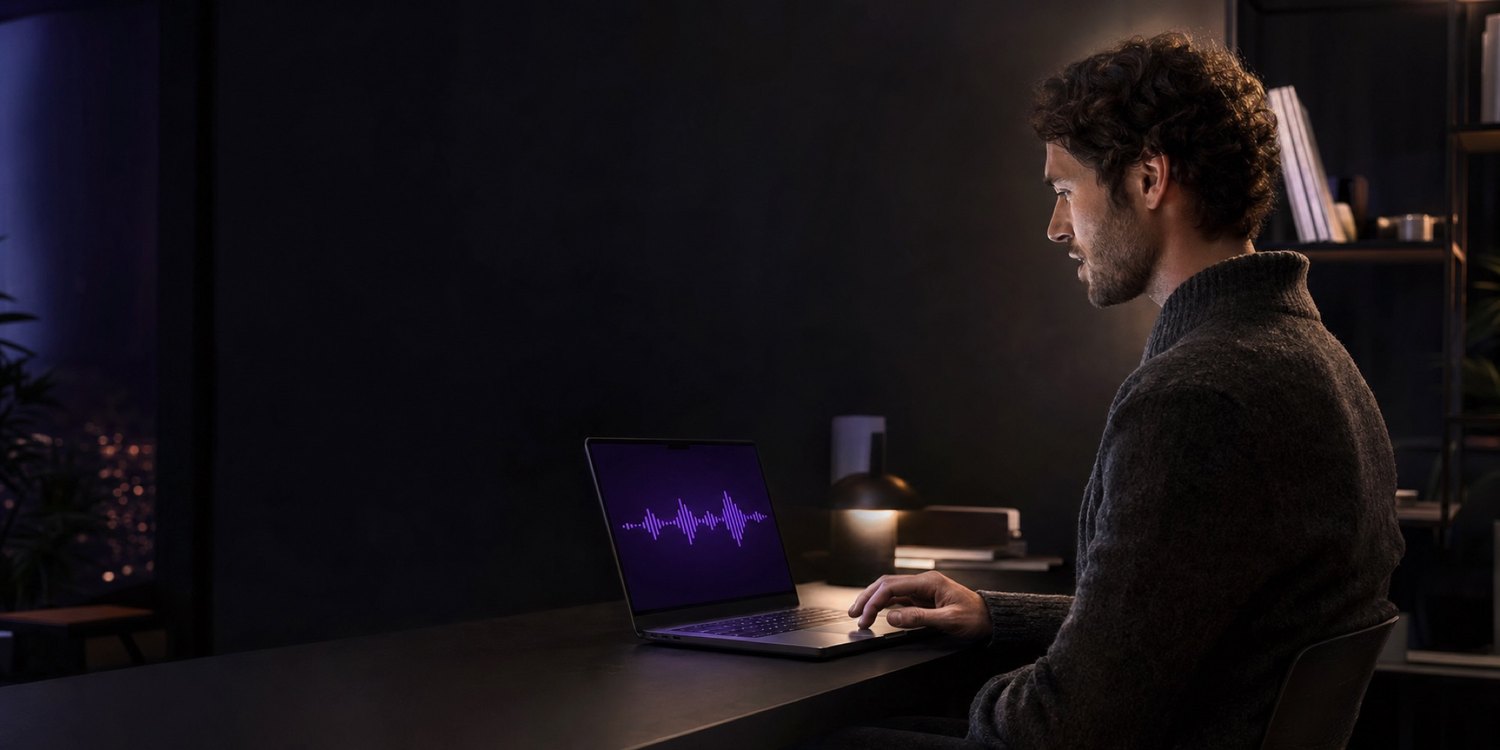
Hold Right Command in any app and the text is typed at your cursor. Nothing about the Mac side changes.
What comes out is what you meant
Filler goes, punctuation and capitalisation are fixed, repeated words are dropped, and the names on your list are spelled the way you spell them. Both languages are handled the same way, and neither is translated into the other.
um so I was thinking that we should uh probably move the the meeting to tuesday because like john is out on monday
So I was thinking that we should probably move the meeting to Tuesday because John is out on Monday.
eh bueno queria comentarte que eh el informe ya esta casi listo pero mmm necesito un par de dias mas
Bueno, quería comentarte que el informe ya está casi listo, pero necesito un par de días más.
British English, Spanish, and English with a Spanish accent — the three registers the author moves between in a working day.
The phone tries every road to your Mac at once
The pairing code lists every name the Mac answers to. The phone races them: on home Wi-Fi the local name wins in milliseconds; anywhere else, a private Tailscale network does. Neither waits for the other to fail. If no Mac is in reach, the phone’s own recogniser takes over — and says so.
What is new in Parla 2
- An iPhone keyboard. Letters, numbers, delete — and a mic. Tap it, speak, tap again.
- Pairing by scanned code. On the Mac, Settings → Phone shows a QR code carrying its addresses and a key made for that one phone. There is still no account.
- One vocabulary, two devices. The names you taught the Mac are spelled the same way on the phone.
- A fallback that is honest about itself. With no Mac in reach the phone recognises on its own, and tells you that is what happened.
Pair once, then just talk
- Pair with your Mac. Scan the QR code with Parla on the iPhone.
- Tap the mic and speak. A strip above the keys shows the words as your Mac hears them. Tap the mic again when you are done.
- The text is already there. Cleaned up, punctuated, names spelled properly, inserted at the cursor — with the keys right there for any quick correction.
On iOS, a keyboard is not allowed to hear you
Apple does not let keyboards use the microphone. Every voice keyboard has to work around that, and it is better to say how than to pretend it is not there.
- The Parla app holds the microphoneThe keyboard is the part you see; the app is the part that records. They talk to each other on the phone, and the keyboard itself makes no network connections.
- With a session on, the mic answers at onceStart a session from the app, the Action Button or Control Centre and Parla stays ready in the background, so you never leave the app you are typing in. A session ends by itself after a quiet spell, and shortly after the phone locks.
- Without one, there is a short detourThe mic key opens the app and recording starts straight away; swipe back and the text is inserted. It is one swipe, and the keyboard tells you so.
- The battery cost is measured, not guessedEach session reads the phone’s own battery gauge, and Settings shows what it actually cost — so the session length can be chosen on evidence.
The honest ledger of what leaves your devices
Stays with you
- Your voiceTranscribed and discarded. No recording is written to disk, on the Mac or the phone.
- Every transcriptRecognised on your Mac’s Neural Engine — or, as a fallback, on the phone itself.
- The cleanupDone by the language model already inside macOS.
- Your vocabularyColleagues, clients and product names never travel to anyone else.
- Your historyText only, on your Mac, readable only by you, easy to switch off.
Crosses a network
- Phone audio, to your own MacOver home Wi-Fi or your Tailscale network, sealed with a key the Mac made for that phone.
- Tailscale’s coordinationIf you use it away from home, Tailscale knows your devices exist. The traffic between them is end-to-end encrypted.
- The speech modelOnce. About 600 MB, on the Mac’s first launch.
- Nothing elseNo telemetry, no analytics, no crash reports, no accounts.
A tool that quietly rewrites you is worse than no tool
Cleanup runs a language model over what you said, and a model that is free to improvise will eventually put words in your mouth. Four checks decide whether its version is used at all.
- Late output is discardedIf the polished version does not arrive in time, you get the cleaned transcript instead. Waiting is never the price of polish.
- Length is a lie detectorA result more than 40% shorter or 60% longer than what you said is rejected. So is one that looks like the model replied to you rather than corrected you.
- Registered names are protectedIf you said a name on your list and the polished text lost it, the polish is thrown away. Getting a company name wrong is far worse than an unpolished sentence.
- You always know which you gotWhenever a model’s edit is used, Parla says so. Only the explicit draft mode is allowed to write words you did not say.
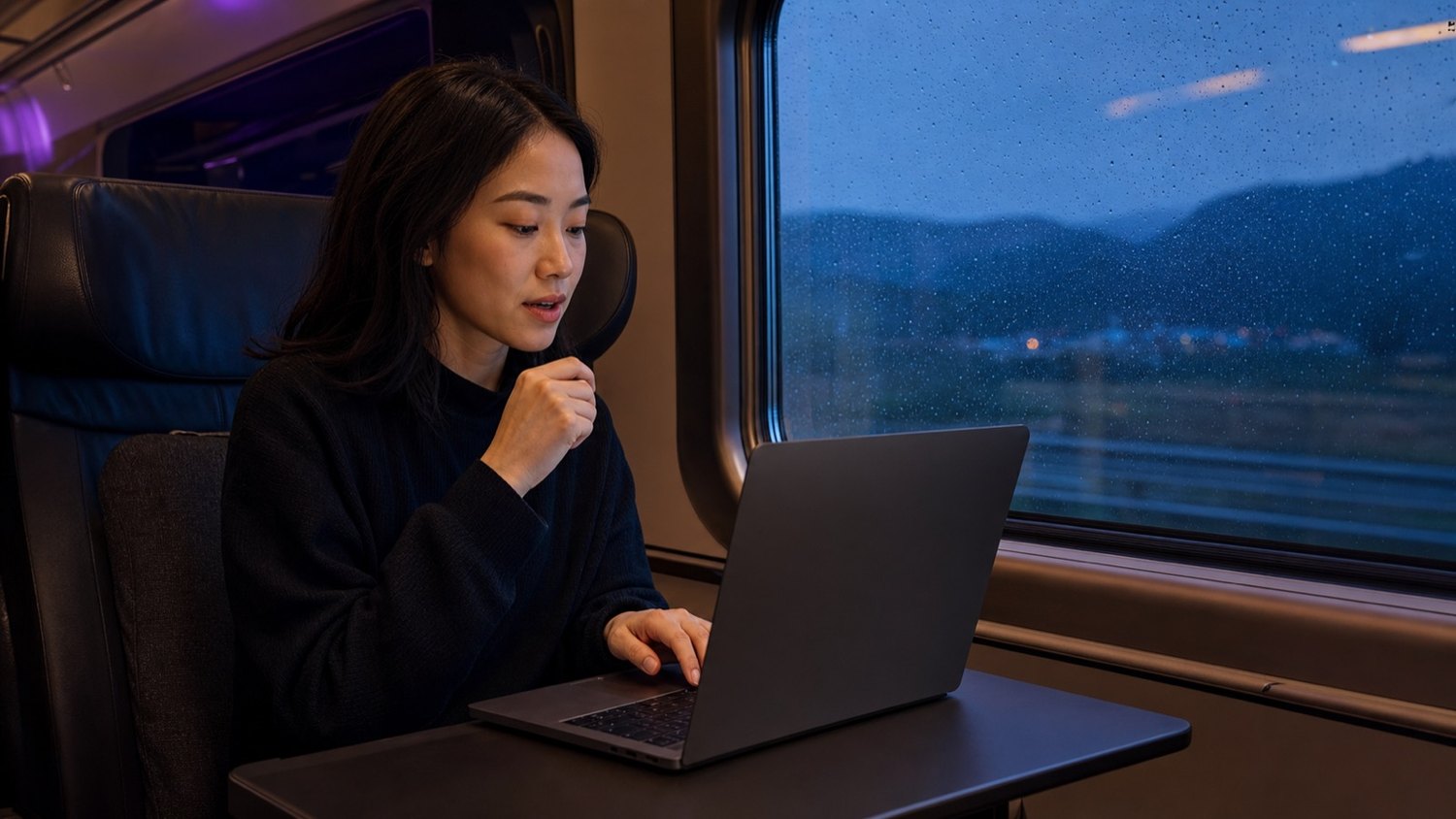
On home Wi-Fi the phone finds the Mac in milliseconds. Elsewhere it reaches it over a private Tailscale network; if the Mac cannot be reached, the phone’s own recogniser takes over.
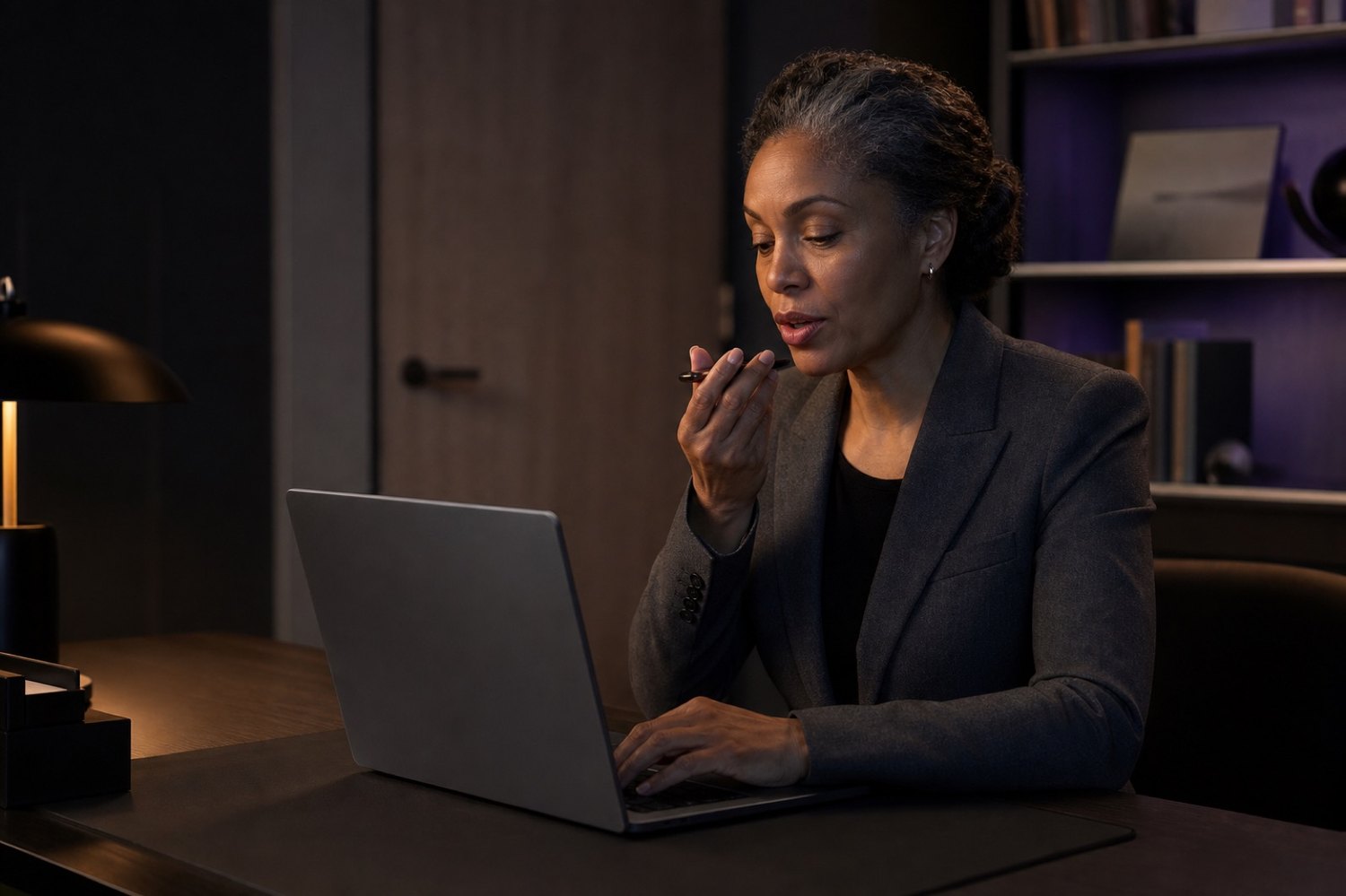
Patient names, client matters, unreleased figures — the category of thing you stop yourself from dictating stops being a category.