 Parla
Parla
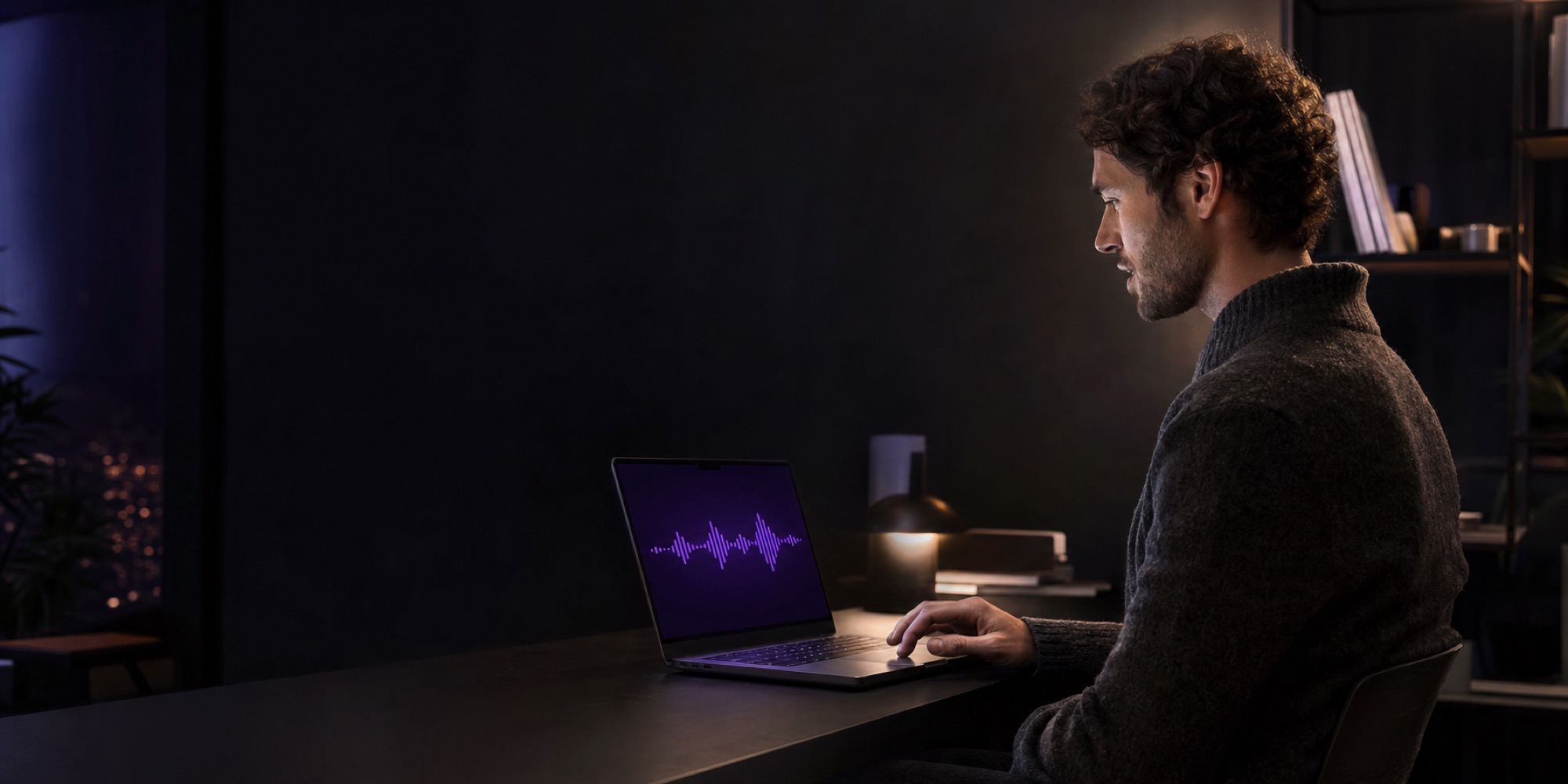
Speak anywhere.Your Mac does the listening.
Parla is a voice keyboard for the Mac and the iPhone. Hold a key on the Mac, or tap the mic on the Parla keyboard on your phone, and speak. The recognition, the cleanup and your vocabulary all live on a Mac you own — not on a vendor's server.
One engine, two keyboards
Wherever you type, you can talk instead
The same recogniser, the same vocabulary and the same careful cleanup serve both devices. The phone is a microphone and a keyboard; the Mac is the ear.
Hold a key, speak, release
Press and hold Right Command in any app. When you let go, the text is typed at your cursor — in Mail, Slack, Notes, a browser form — and your clipboard is left exactly as it was.
How the Mac side works →A full keyboard with a mic key
Letters, numbers, delete — and a mic. Tap it, speak, tap again. Your Mac transcribes and tidies what you said, and the keyboard inserts it where the cursor is.
Meet the keyboard →Still your Mac, from anywhere
At home the phone finds the Mac on Wi-Fi in milliseconds. Elsewhere it reaches it through your private Tailscale network. If the Mac cannot be reached, the phone's own recogniser takes over.
Staying connected →The signal path
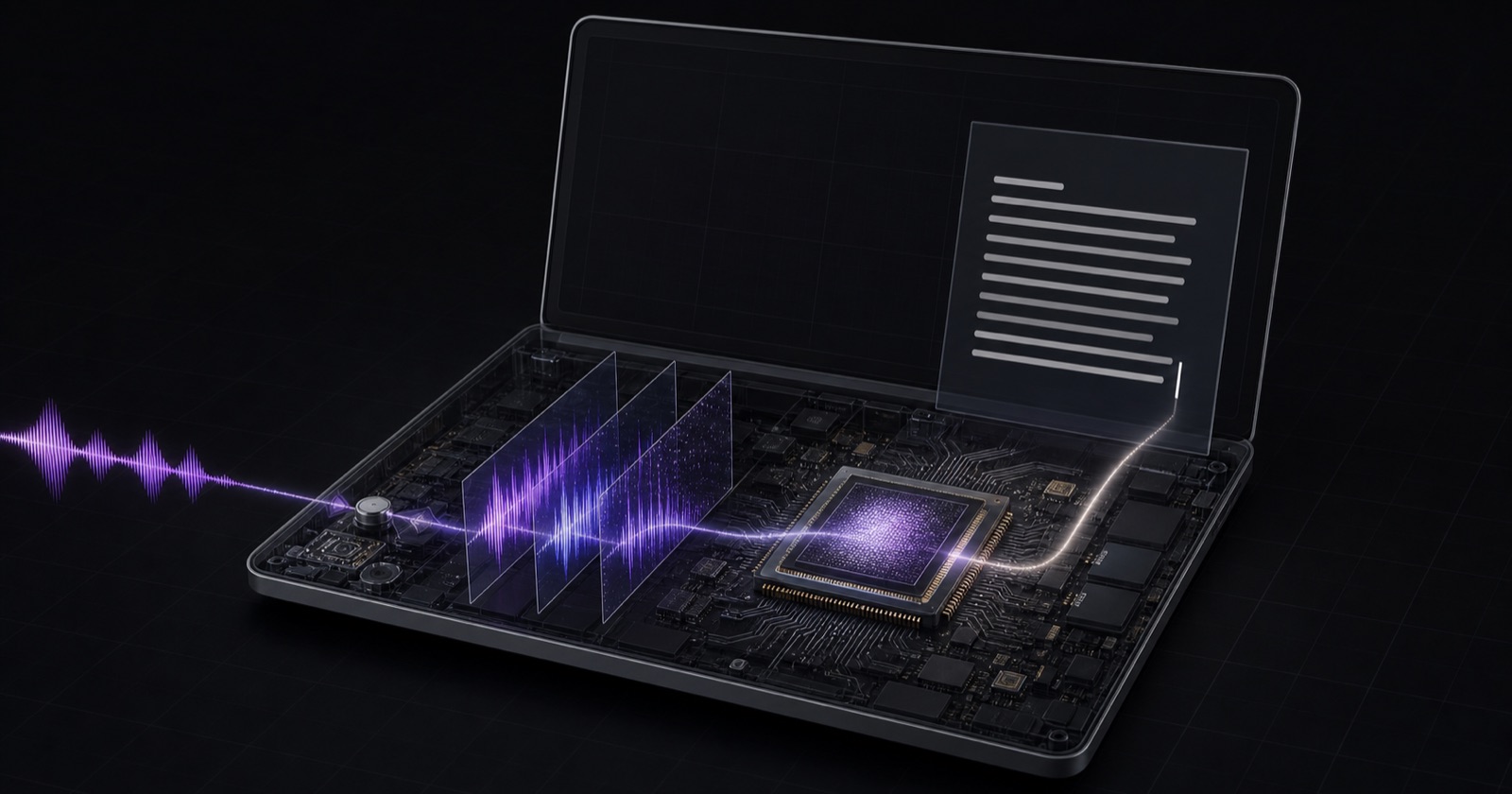
Your voice goes to your Mac, and nowhere else
Most dictation tools are a thin client in front of someone else's server. Parla puts the server on your desk. A phone streams its audio to the Mac it was paired with, sealed with a key that Mac created for that phone alone, and gets text back.
The only thing Parla ever downloads is the speech model, once. There is no telemetry, no analytics and no sign-in.
Beyond dictation
It writes what you meant, and nothing you did not say
Names spelled your way
Recognisers do not misspell; they hear real words that sound alike. Parla matches by sound, so "racket" becomes Reckitt when Reckitt is on your list. You can even say a name once and let it learn how it mishears you.
A style for each place you type
Light, Polish or Off. Full polish for a note, light cleanup in a chat, nothing at all in a terminal where a helpful full stop breaks a command.
Speak a list, get a list
Say one … two … or primero … segundo … and the items arrive as a numbered list. A dictated email arrives in paragraphs.
It refuses to invent
Cleaned-up text is thrown away if it is late, changes length too much, or drops a name you registered. You get your plain words instead, and Parla tells you which version you received.
In practice
From what you said to what you send
um so I was thinking that we should uh probably move the the meeting to tuesday because like john is out on monday
So I was thinking that we should probably move the meeting to Tuesday because John is out on Monday.
eh bueno queria comentarte que eh el informe ya esta casi listo pero mmm necesito un par de dias mas
Bueno, quería comentarte que el informe ya está casi listo, pero necesito un par de días más.
No download, on purpose
Parla is a personal project
It was built to scratch one person's itch, and it is not sold or distributed. If it is the kind of thing you have been looking for — or you would like to talk about how it works — send a note.