 Parla
Parla
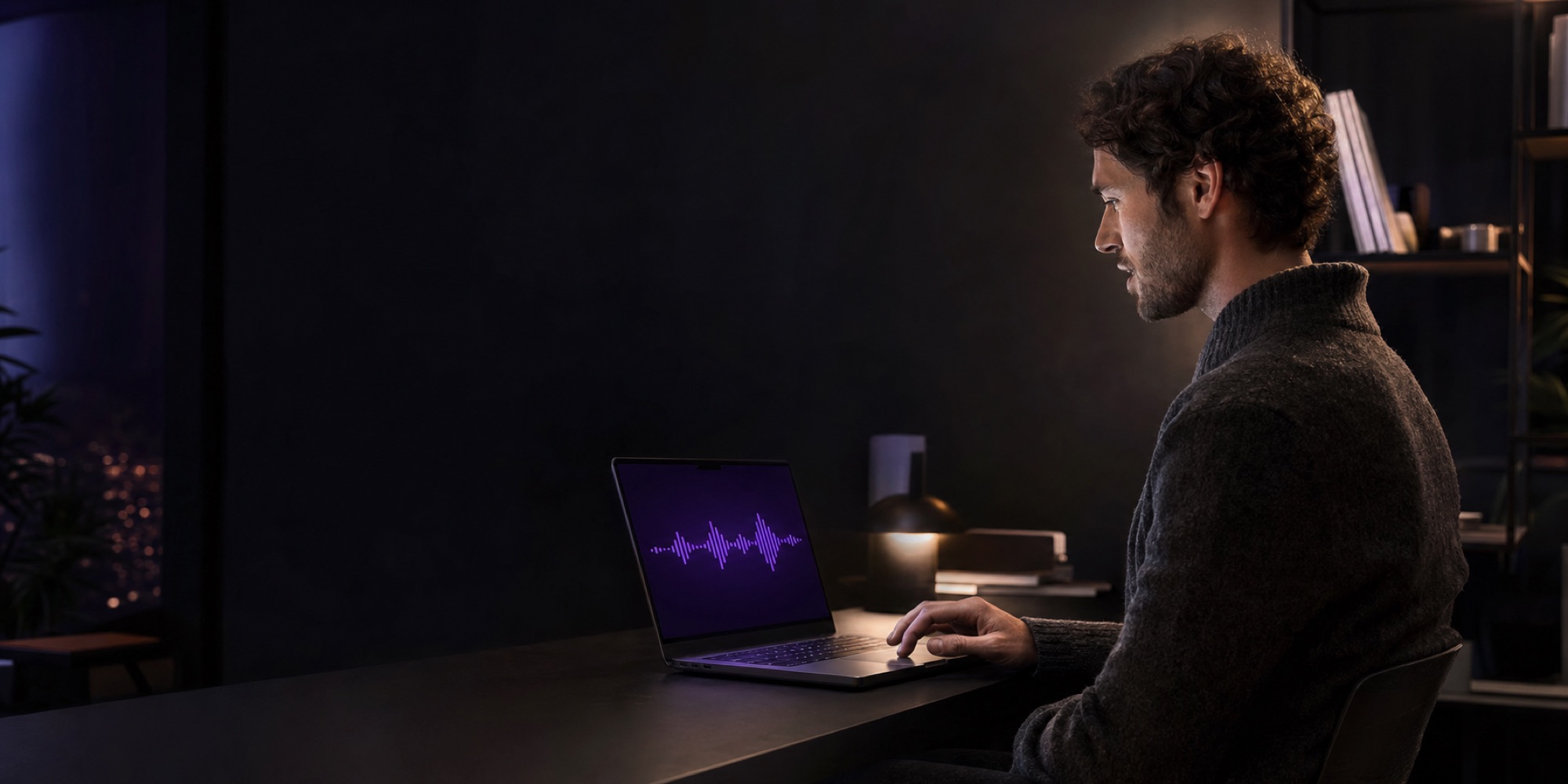
Dictation that neverleaves your Mac.
Hold a key anywhere in macOS, speak, and the text appears in whatever app you are already using. The recognition, the cleanup and the transcript all happen on the machine in front of you. Nothing is uploaded, because there is nowhere to upload it to.
The signal path
Voice in, text out, and no step in between you cannot see
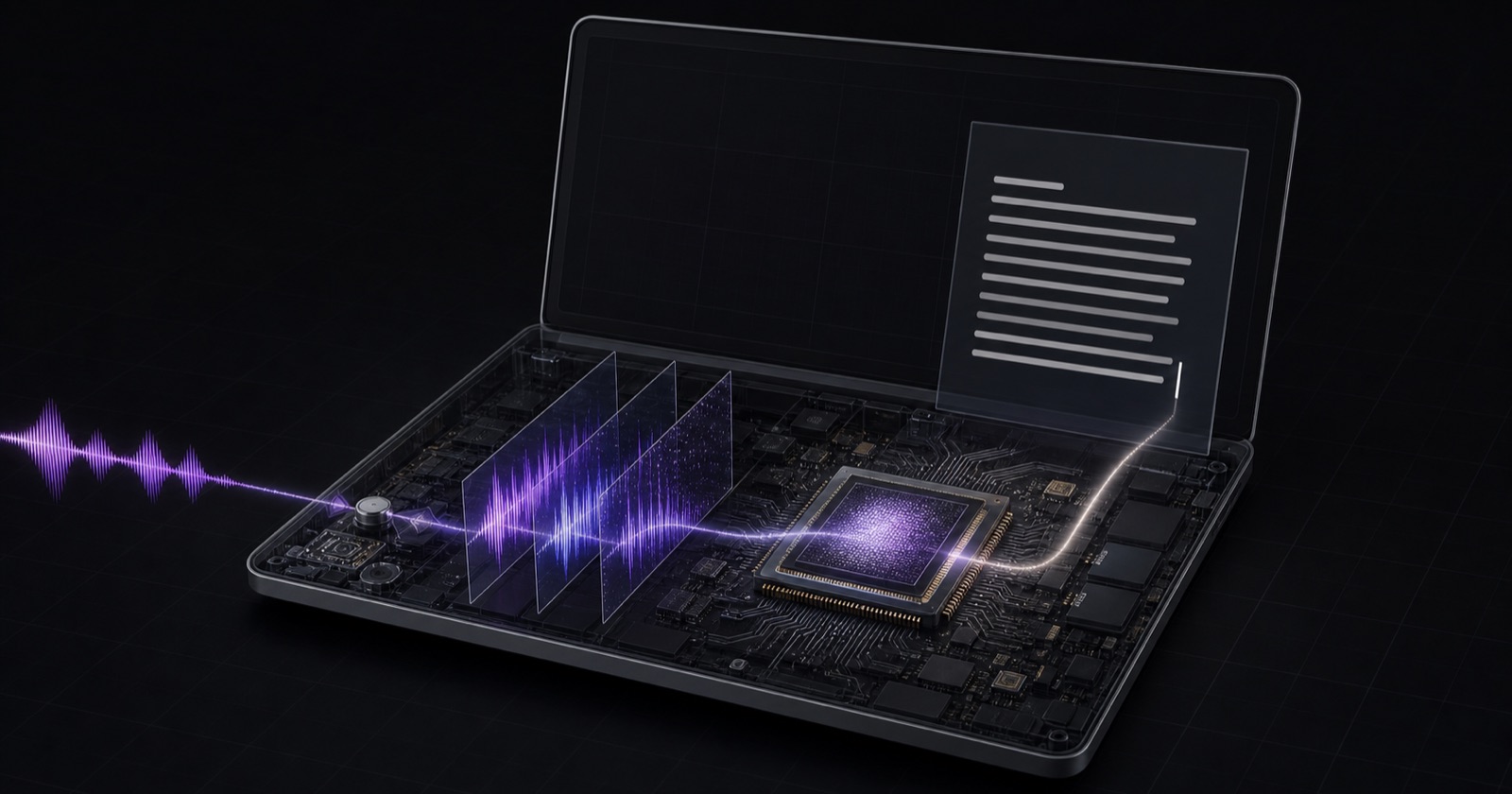
Your microphone feeds a speech model running on silicon you already own. The words land at your cursor. There is no third leg to the journey — no request, no queue on someone else's hardware, no copy retained under someone else's policy.
Most dictation tools are a thin client in front of a server. Parla is the whole thing, on your desk.
Privacy
The honest ledger of what leaves your machine
Every dictation tool describes itself as secure. The more useful question is which bytes actually cross the network — so here is the complete list, including the one you might not expect us to mention.
Stays on your Mac
- Your voice. Captured, transcribed, discarded. No recording is written to disk.
- Every transcript. Recognition happens locally, on the Neural Engine.
- The cleanup pass. Handled by the language model built into macOS, in the same way.
- Your vocabulary. Colleagues, clients and product names never travel.
- Your history. Text only, on your disk, readable only by you, simple to switch off.
Crosses the network
- The speech model. Once. About 640 MB on first launch, from the model repository.
- After that, nothing. No telemetry, no analytics, no crash reports, no licence checks.
We could have left the download out of the pitch. It is the only network moment there is, and a privacy claim you cannot audit is worth nothing — so it belongs on the page.
Security
Nothing to intercept, subpoena or leak
-
No third party ever hears you
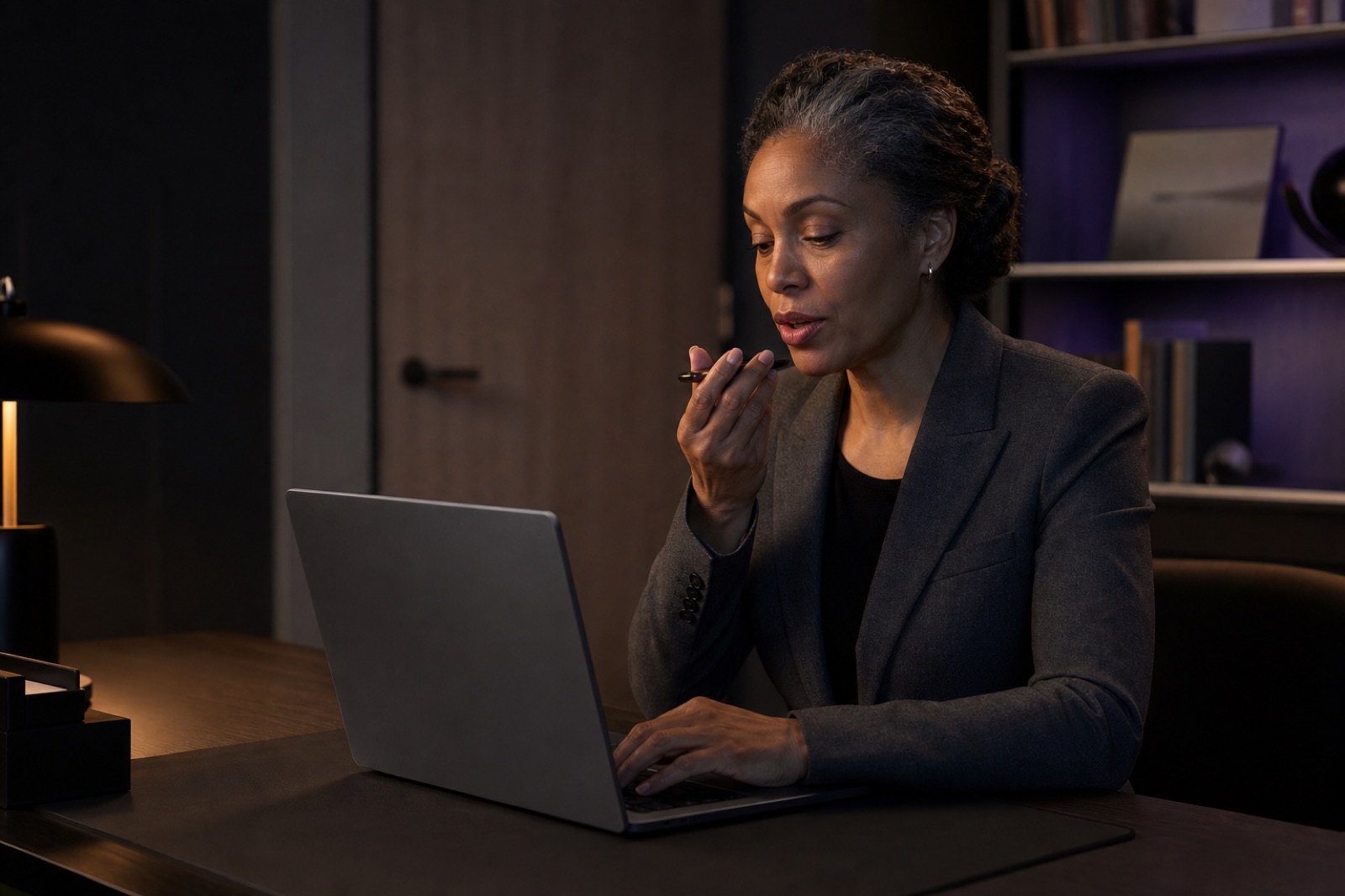
Cloud dictation means your speech is transmitted to a vendor, processed on their hardware and retained under their policy. Parla removes that party from the diagram entirely. There is no processor to add to your data map, and no retention schedule to read.
-
The confidential dictation problem disappears
Patient names, client matters, unreleased figures, a difficult conversation about a colleague. The category of thing you currently stop yourself from dictating stops being a category, because the sentence never leaves the room.
-
No account is the strongest account security
There is no sign-in, no password, no session token and no synced profile. A breach at a vendor cannot expose what the vendor was never given.
-
It keeps working when the network does not
Aeroplanes, trains, air-gapped machines, conference Wi-Fi you would rather not trust. Offline is not a degraded mode here — it is the only mode.
Offline
A tunnel is not an outage
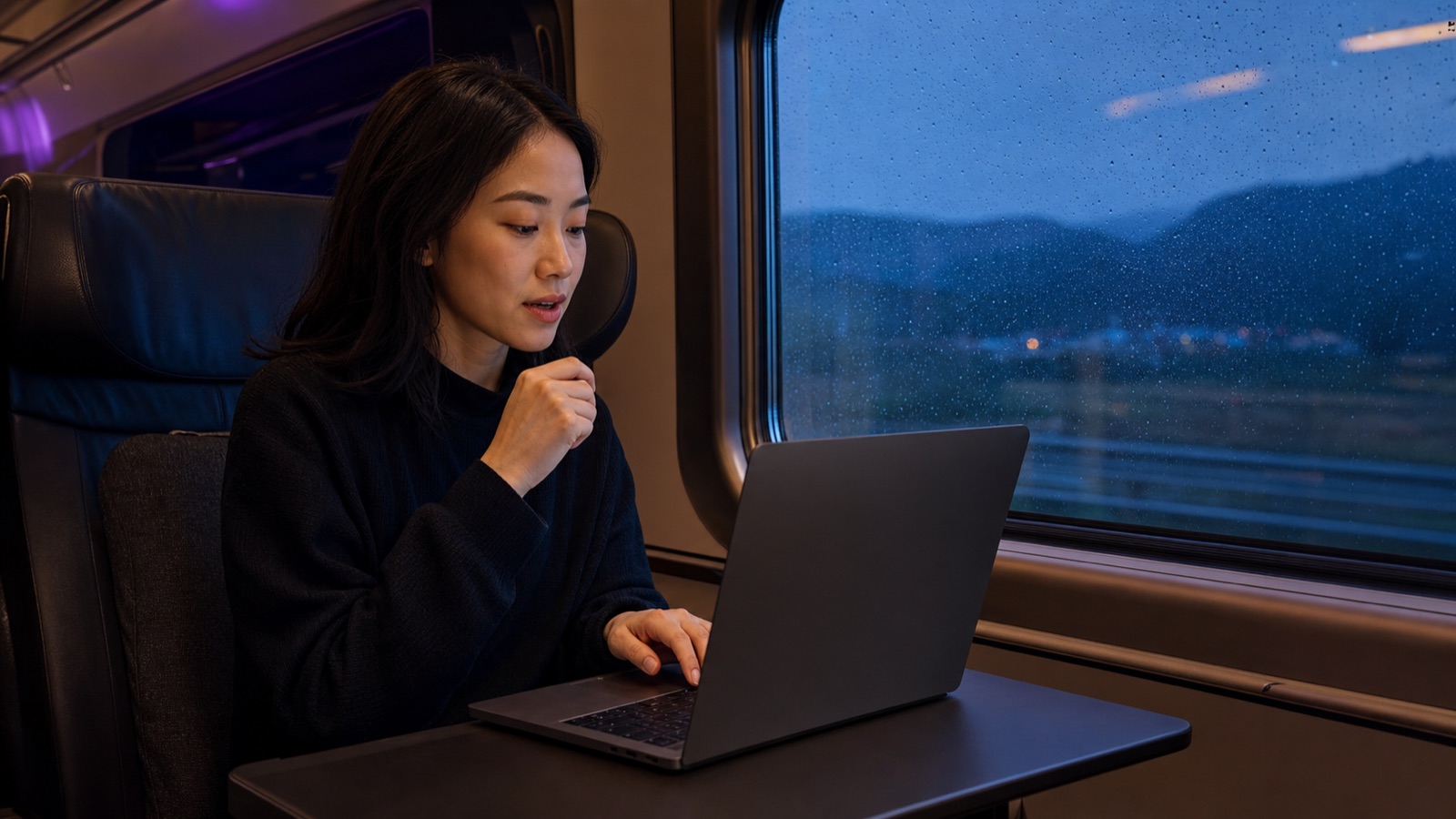
The speech model sits on your disk from the first launch onward. Trains, aeroplanes, basements, hotel Wi-Fi you would rather not hand your voice to — none of it changes how Parla behaves, because none of it was ever part of the path.
A cloud dictation tool degrades to useless the moment the bars disappear. This is the same tool at thirty thousand feet as it is at your desk.
Cost
No meter, because there is no server to pay for
-
Nobody is counting your minutes
Cloud transcription costs its vendor real money for every minute you speak, which is precisely why it is sold by subscription or by the minute. Local processing costs nothing per use, so there is nothing to meter. Dictate for eight hours a day and the figure does not move.
-
The hardware is already paid for
Every Apple Silicon Mac ships with a Neural Engine that sits idle most of the day. Parla runs the speech model there. You are spending capacity you have already bought.
-
The models carry no per-seat fee
Speech recognition is NVIDIA's Nemotron, released under a licence permitting commercial use. The cleanup model ships with macOS. Neither is billed by the seat or by the word.
-
Rolling it out does not scale in price
No per-seat cloud licence, no usage tier to outgrow, and no vendor security review to schedule before the first person can dictate a sentence.
How it works
Three steps, and you never leave the app you are in
Hold and speak
Press and hold Right Command — or whichever key you prefer — in any application. A small panel appears without stealing focus from what you were typing into.
Release
The recogniser finishes, filler words go, punctuation and capitalisation are fixed, and your own names are spelled the way you spell them.
It is already typed
The text lands at your cursor — Mail, Slack, Notes, an editor, a form field. Your clipboard is restored exactly as you left it.
Measured
Numbers from an actual machine
Recorded on an Apple M4. Not projections, and not a benchmark chosen to flatter.
| Figure | What it measures |
|---|---|
| 12–17× | Faster than real time, transcribing while you speak |
| 0.67 s | Cleaning up a dictated sentence |
| 4.2 s | Correcting a 110-word email and breaking it into paragraphs |
| 40 | Language locales, with automatic detection between them |
| 640 MB | Speech model, downloaded once, then never again |
| 0 | Bytes of audio transmitted, at any point, ever |
Beyond dictation
It learns the words you actually use
Teach it a name with your voice
Say a colleague's name once and Parla records how it mishears you, then corrects that exact mistake from then on — tuned to your voice and your accent rather than to a general phonetic model.
Different behaviour per app
Full polish in Mail and Notes, light cleanup in Slack, and nothing whatsoever in Terminal or an editor, where a helpfully inserted full stop breaks a command.
Speak a list, get a list
Say number one … number two … and it arrives as a numbered list. Dictate a long message and it arrives in paragraphs, ready to send.
It refuses to invent
Cleaned-up text is discarded unless it arrives in time, stays close to the length of what you said, and keeps every name you registered. When a check fails you get your plain words instead, and the panel tells you which you received.
Built on
Open models, running on your own silicon
-
NVIDIA Nemotron 3.5, running on Apple silicon
A 600-million-parameter speech model, released under a licence that permits commercial use, converted to run on the Neural Engine in your Mac. Forty language locales, detected automatically as you move between them.
-
The language model already inside macOS
Cleanup is handled by the on-device model Apple ships with macOS 26. Nothing extra to download, nothing extra to pay for, and it never sees the network either.
Access
Getting hold of Parla
Parla types into other applications, which the App Store sandbox does not permit — so it is distributed directly rather than through the store. The three permissions are the ones macOS requires in order to hear you and to type on your behalf, and first-run setup walks through each one.